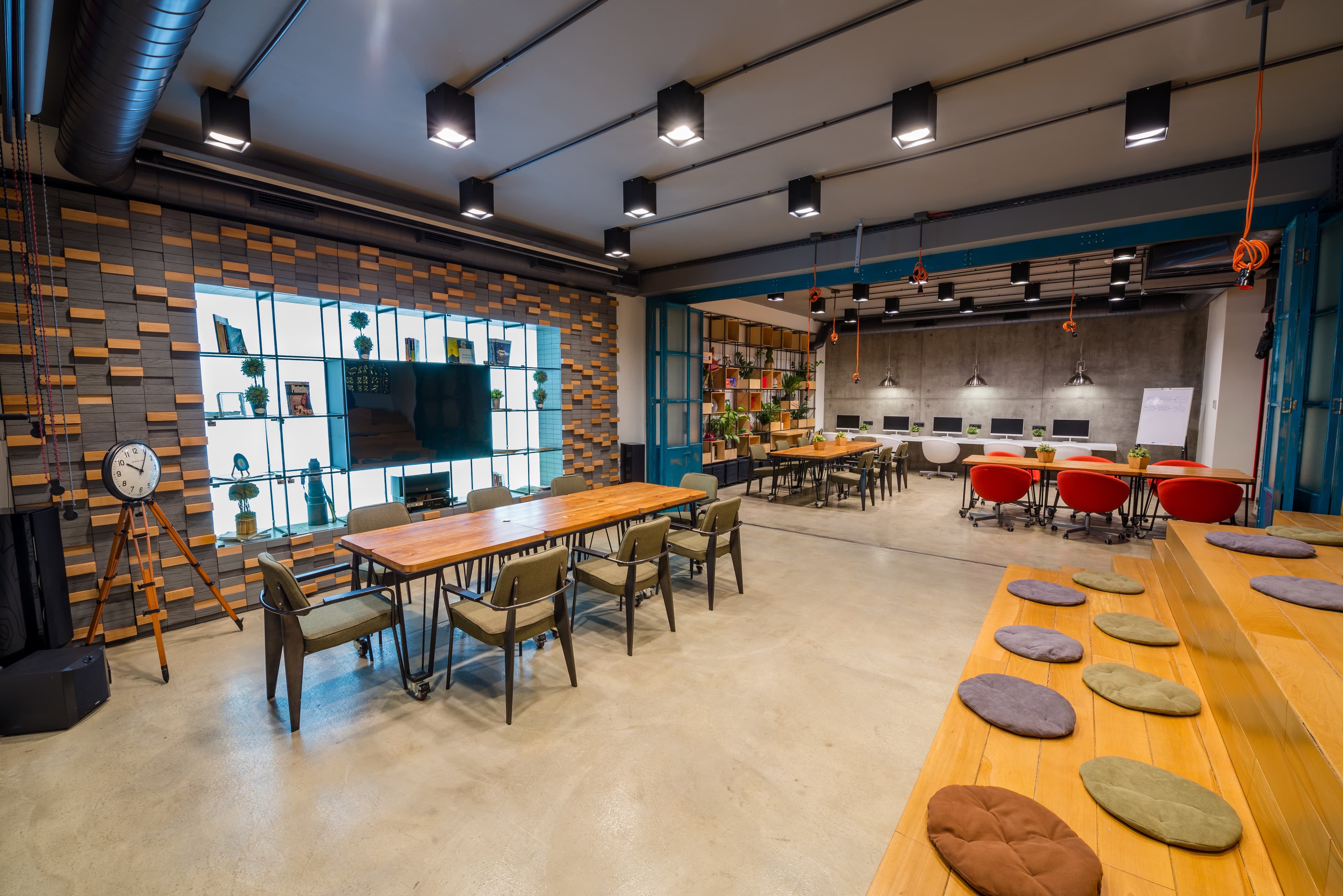
Is Your Commercial Space Sitting Idle?
Now You Could Turn It Into A Steady Income Stream, Effortlessly!
Partner with Bollco
Your Space Has More Potential Than You Think
- Earn More, Effortlessly
- Turn Idle Space Into Income
- Keep Your Space Active
Partner with BOLLCO
List Your Space
Tell us about the space you'd like to list.
WHERE BUSINESSES CONNECT & GROW
Bollco is more than a workspace—it's a thriving community of entrepreneurs, startups, freelancers, and businesses building meaningful connections every day.
From Listing to Earning — In Four Simple Steps
Partnering your space with Bollco is free, fast, and commitment-free. Here's exactly what happens once you apply
RUN YOUR SPACE LIKE A BUSINESS, NOT A SIDE HUSTLE
As a Bollco partner, you're not just listing a space — you get a real business tool. One dashboard shows you every booking, every rupee earned, and every guest question, so you always know exactly how your space is performing and what to do next.
Live Bookings & Calendar
Stay on top of every booking with a real-time calendar. Manage availability, accept reservations, and block dates effortlessly from one dashboard.
Payments & Payouts
Track your earnings, receive secure payouts on time, and access invoices and payment history whenever you need them.
Business Insights
Gain valuable insights into bookings, occupancy, revenue, and customer trends to make smarter business decisions.
Unified Guest Support
Respond to guest queries, share booking details, and manage conversations—all from one dashboard.
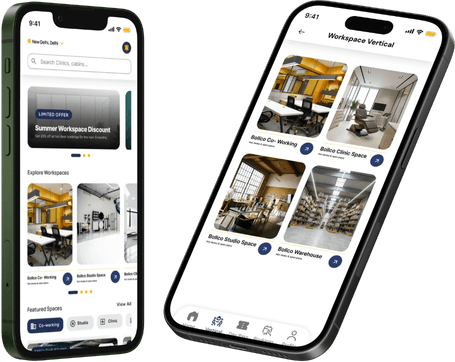
More Bookings, Less Hassle — Powered by Our AppYour Space Is About to Get Busier
Professionals across Delhi NCR are already on the Bollco app looking for spaces like yours. List it, and it's instantly visible to all of them — no extra effort, just more bookings.
Instant Bookings
No calls, no juggling calendars. Guests browse, book in seconds — and it just shows up on your end, done.
Reliable Payouts
No reminders, no follow-ups. Payments move through the app, and your share lands on schedule — every time.
Ongoing Visibility
Your listing doesn't fade — it keeps resurfacing through search and community activity, in front of new guests, day after day.
Bollco Frequently asked questions
Bollco accepts coworking spaces, studio apartments, cafés (off-peak coworking hours), warehouses, clinics, and shared offices. Pick the closest space type when you submit the form — our team confirms the right fit during review.
No. You can list as the owner, the lessee, or as an authorised manager. We just need confirmation that you have the right to make the space available for booking.
Yes. Submit a separate application for each space. Once you have a partner account you can add additional spaces directly from your dashboard.